
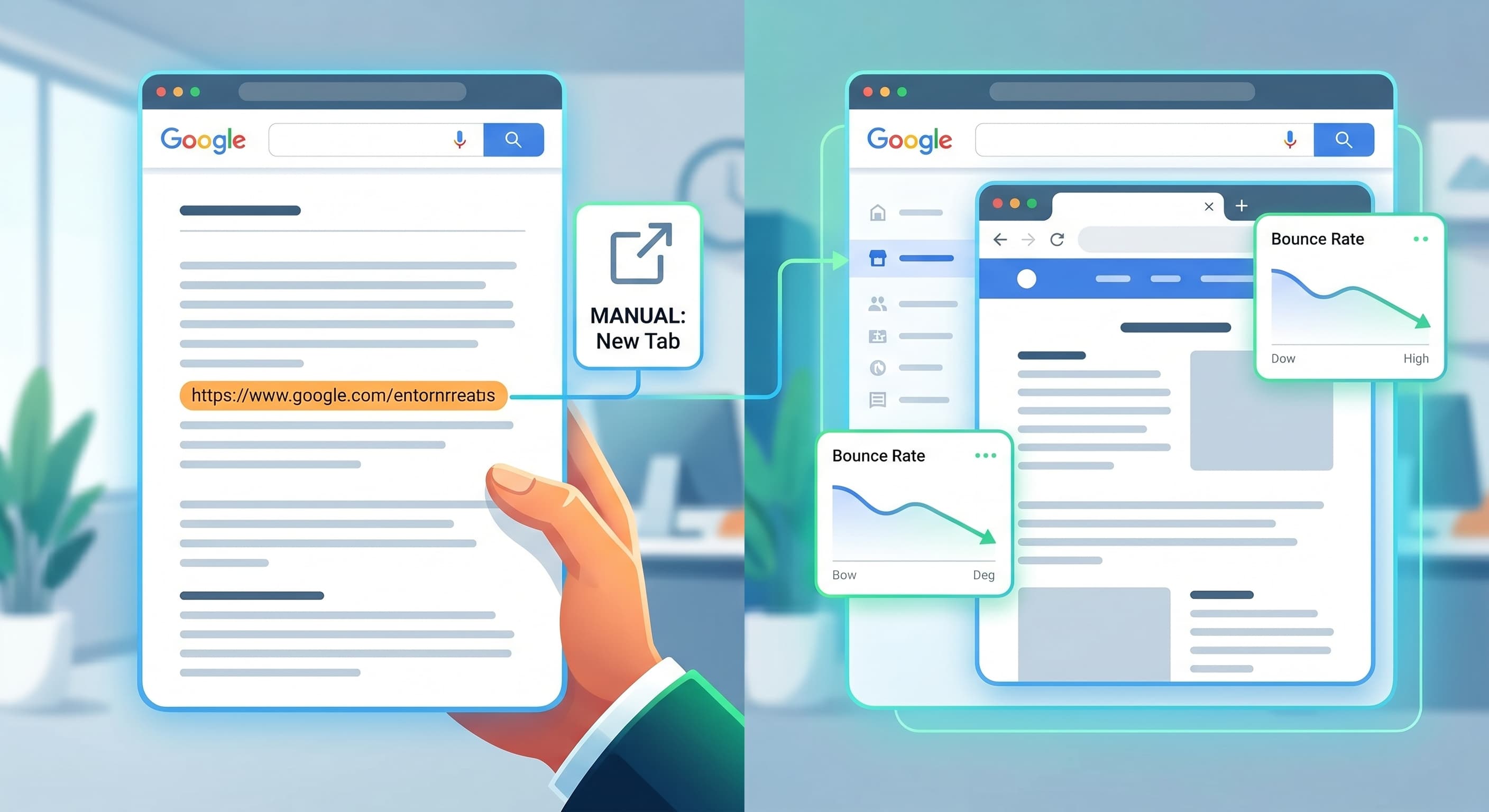
Opening a link in a new tab has no direct effect on Google rankings — it's not a ranking factor, and Google has said as much. The actual SEO-relevant questions are different ones: does it change user behavior metrics Google does care about indirectly, does it introduce a real security issue, and should the rule be applied globally or configured per link? Those three questions are where this decision actually matters.
The direct answer
target="_blank" doesn't change how Googlebot crawls, renders, or indexes
a page. A link opens in a new tab or the same tab purely as a client-side
browser behavior — it has no bearing on PageRank flow, crawl budget, or
indexability. If you've seen a claim that new-tab links "hurt SEO"
directly, that's not accurate.
Where it actually matters: UX signals and security
Bounce rate and session metrics. When an external link opens in the same tab, the visitor physically leaves your site — if they don't click back, that session ends. Open it in a new tab and your site stays open in the background tab, which tends to produce longer session durations and lower bounce rates in analytics. Google doesn't use raw bounce rate as a ranking signal, but engagement metrics correlate with content quality signals that do matter over time, which is why this is worth getting right even though it's not a direct ranking input.
The window.opener security issue. This is the real technical risk,
and it's not about SEO at all. Historically, a link using
target="_blank" without rel="noopener" gave the new tab's page a
window.opener reference back to your original tab — a malicious
destination page could use that reference to silently redirect your
original tab to a phishing page (a technique called "tabnabbing"). Modern
browsers have mitigated most of this by default, but rel="noopener"
(and rel="noreferrer" if you also want to withhold referrer data) is
still correct practice on every external target="_blank" link. This is
a security best practice that happens to live in the same HTML attribute
as the SEO/UX decision, which is part of why the two get conflated.
Manual vs. global link attributes
Some CMS platforms offer a single toggle: "open all external links in a new tab." It's tempting because it's zero-effort, but it's the wrong default for three reasons:
- It can't distinguish link intent. A link to a PDF you want someone to download and return from behaves differently than a link to a competitor's directory listing you're citing as a source — a global rule treats them identically.
- It often misfires on internal anchors and same-domain links. Global rules are usually matched by "is this URL external," which breaks on subdomains, staging environments, or any edge case the rule's author didn't anticipate.
- It silently drops
rel="noopener". Many global "new tab" toggles addtarget="_blank"without the accompanyingrelattribute, which reintroduces the security issue above across every link on the site at once.
Manual, per-link configuration costs a few extra keystrokes but gives you
actual control: reference/citation links and anything that takes a
visitor off-site to read, not act (a source article, a directory listing)
open in a new tab with rel="noopener noreferrer"; your own internal
navigation and primary calls-to-action stay in the same tab, because
fragmenting your own site's navigation across multiple tabs is a UX cost
with no offsetting benefit.
Website navigation SEO best practices
- Default internal links to the same tab — this is standard and users expect it
- Open external reference/citation links in a new tab, with
rel="noopener noreferrer"set explicitly - Never apply new-tab behavior globally through a CMS-wide toggle; set it per link, or per link type if your templating supports it
- Treat file downloads (PDFs, documents) as a separate case — new tab is usually right here too, since it keeps the current page available after the download starts
- Audit existing
target="_blank"links periodically for a missingrelattribute — this is a common, invisible leftover from older CMS templates or copy-pasted code
The bigger picture
None of this moves rankings directly, but it's a clean example of how technical SEO decisions compound: get enough of these small, correct defaults in place and the net effect is a site that's faster to use, safer, and better at retaining the engagement signals that do feed into how Google evaluates content quality over time.